On its own
A complete mastering suite, free
Add the modules you need and build your own chains: EQ, colour, compression, multiband, saturation, stereo, clipping, limiting and more. Keep up to six versions side by side and compare them.
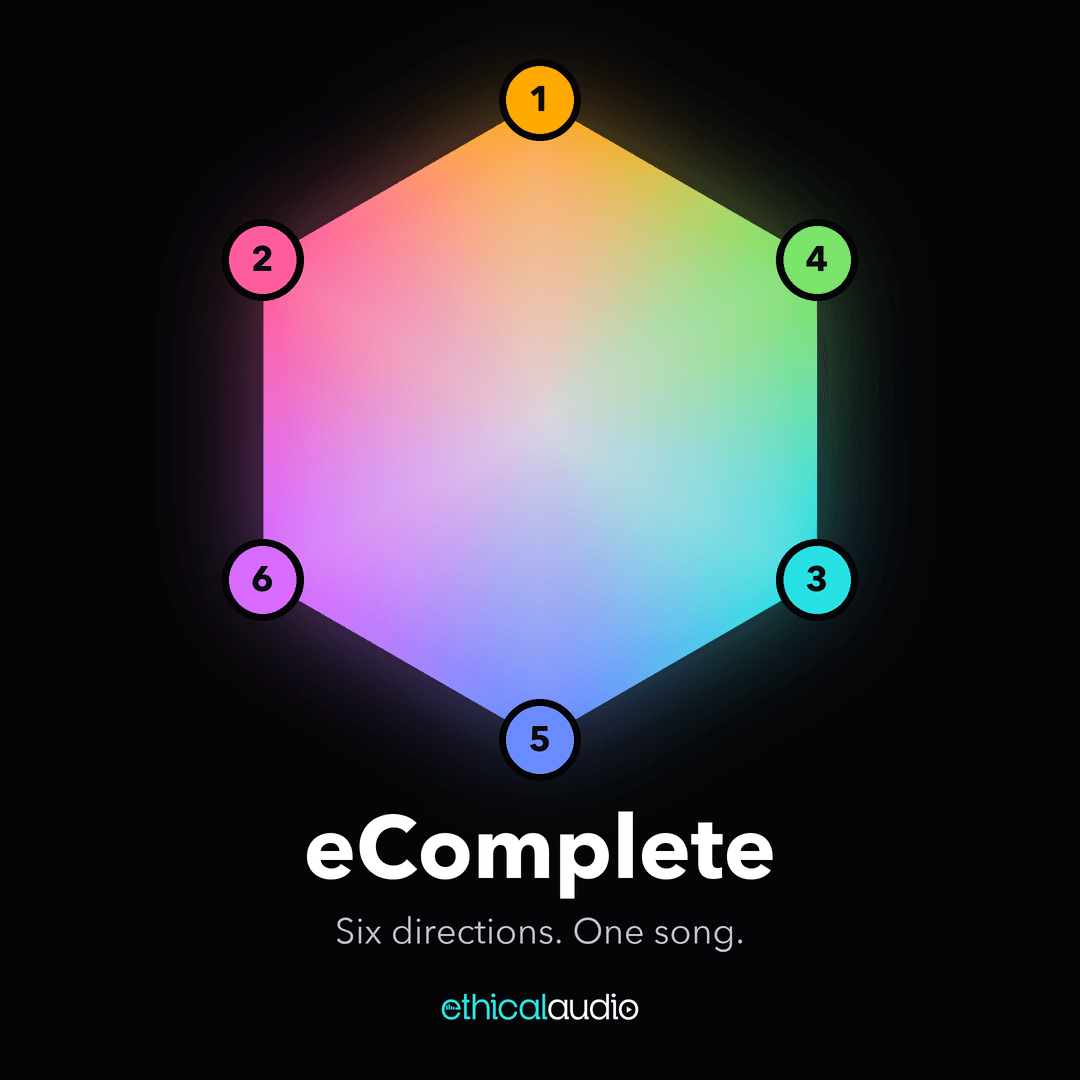
Six directions. One song.
Twelve mastering modules and six complete chains in one free plug-in. Switch between them at matched loudness, adjust anything, and bounce the one that fits your song.
Build your own chains, or let it do its best work: use the mastering chains Ethical Audio makes for your music, directly in your DAW.
Get eComplete free →Free with an Ethical Audio account. New accounts start with 10 credits that never expire.
Already have an account? Go to the download
On its own
Add the modules you need and build your own chains: EQ, colour, compression, multiband, saturation, stereo, clipping, limiting and more. Keep up to six versions side by side and compare them.
At its best
Our mastering service builds four chains for your song, each taking it in a different direction. They open in eComplete with every setting visible, ready to compare and adjust on your own speakers.
Master a track →Upload your finished mix and pick its genre. In a few minutes you get four masters of your song, each one taking it in a different direction, with its own mastering chain.
Have a first listen on the results page. Ethical Audio's intelligent analysis compares the four masters: loudness, dynamics, stereo image and spectrum, with insights on what each one does.
One small file holds the four mastering chains exactly as we built them: every module, in order, with every setting. Nothing is hidden, and it opens only in eComplete.
Drop the file on eComplete and the four masters appear as four candidates. Confirm your choice on your own speakers, adjust anything you like, and bounce the final master.
A master on Ethical Audio: the four candidates, their comparison, and the eComplete settings download.
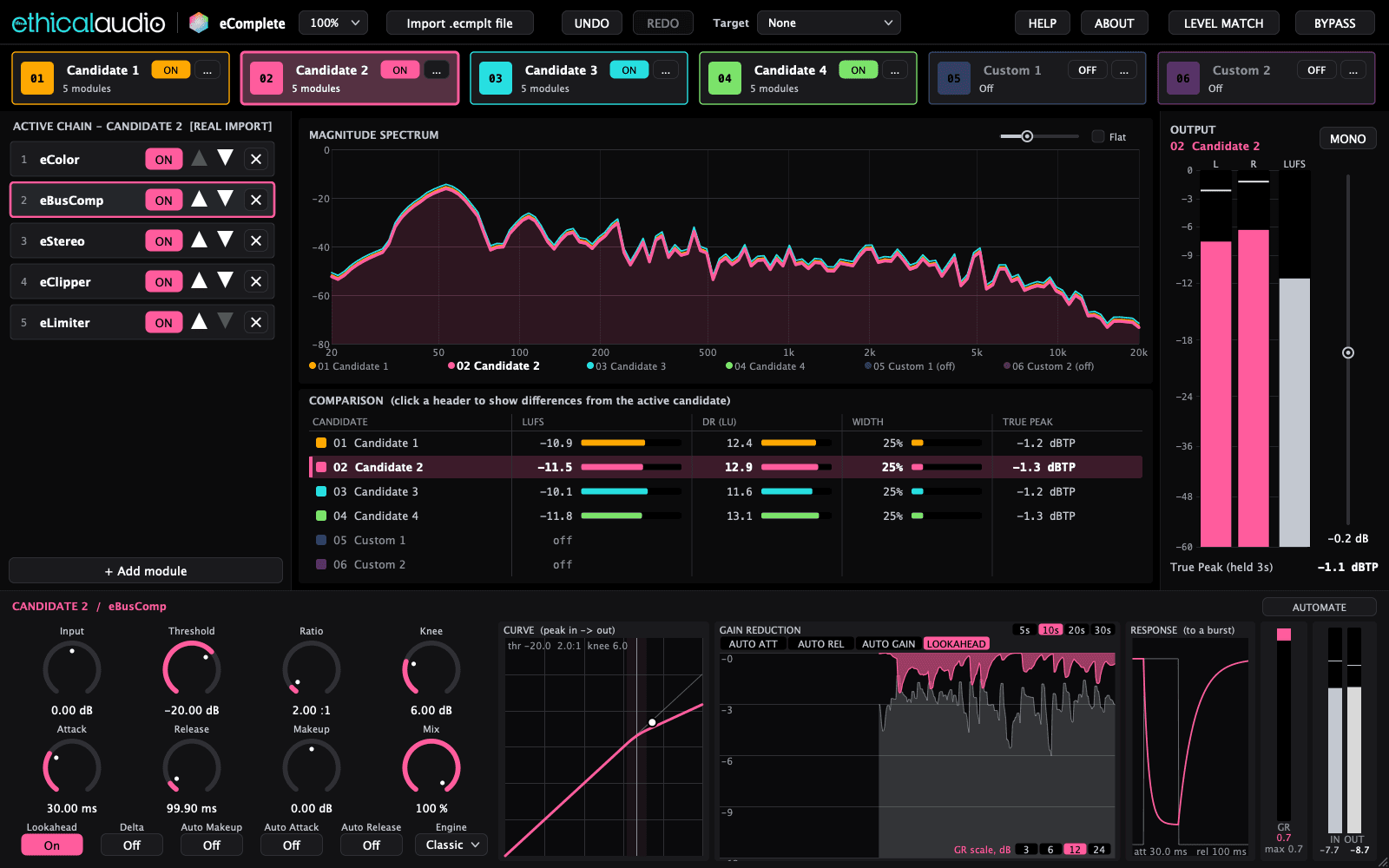
Drag the eComplete settings from your Ethical Audio master onto the plug-in. The four masters appear as four candidates, each with its complete chain, ready to play.
Level Match plays every candidate at the same loudness, so you choose by ear. A table shows loudness, dynamic range, stereo width and true peak side by side, with a live spectrum.
Every master is a chain of modules you can see and adjust: eQ, eColor, eBusComp, eStereo, eClipper, eLimiter and more. Change a setting, switch a module off, or reorder the chain.
Two extra candidates are yours: copy a master into one and take it further, or build a chain from nothing.
EQ with mid/side, colour, bus and multiband compression, saturation, stereo imaging, clipping, limiting, gate, reverb and gain. Each one shows what it is doing to your song.
Everything is saved with your DAW project, and the controls you choose can be automated.
Open any of the twelve modules and change whatever your song needs. Each one has its own controls and its own picture of what it does, and the whole plug-in takes the colour of the candidate you are working on.
eGain· Custom 2
A clean level change, with the level before and after.
eQ· Candidate 1
A graphical EQ with every filter type, on the whole signal or on mid and side separately.
eColor· Candidate 3
Adds harmonic colour, and shows the harmonics it creates.
eSaturator· Candidate 2
Adds warmth and grit as you push it, and shows how it reshapes the waveform.
eCompressor· Custom 1
A compressor with its curve and its gain reduction over time.
eBusComp· Candidate 2
A bus compressor to glue the mix, with lookahead and automatic release.
eMultiband· Candidate 4
Low, mid and high bands, each with its own dynamics.
eStereo· Candidate 1
Stereo width, with a goniometer and the correlation before and after.
eGate· Custom 1
Closes on the quiet moments, and shades every moment it closed.
eReverb· Custom 2
Room, damping and mix, with the decay and the tone of the tail.
eClipper· Candidate 4
Catches peaks before the limiter and shows how much is clipped.
eLimiter· Candidate 3
The final limiter, with true peak, oversampling, dither and a peak timeline.
eComplete works on your computer. It does not connect to the internet and sends nothing anywhere.
And on our services, the same promise as always: Ethical Audio never trains on any user's music.
| System | Minimum | Recommended |
|---|---|---|
| Mac | macOS 11. Intel Core i5 with 4 cores, or any Apple Silicon. 8 GB memory. | Apple Silicon (M1 or later) |
| Windows | Windows 10, 64-bit. Intel Core i5 or AMD Ryzen 5 with 4 cores. 8 GB memory. | A 6-core processor from 2019 or later |
| Formats | Audio Unit and VST3 on Mac. VST3 on Windows. AAX for Pro Tools is coming soon. | |
eComplete compares up to six masters at once while its window is open. On a slower computer, close the window while you work on other things, and switch off the candidates you aren't going to use, or leave on only the one you are working on.
Understand exactly what it does — with clear reasoning.
Try a free analysis or a free mix right now, no account needed.